




Turn on Cinema
OnKino·Play your own video
Player and remote for iPhone

Spatial video — on the glasses you already own

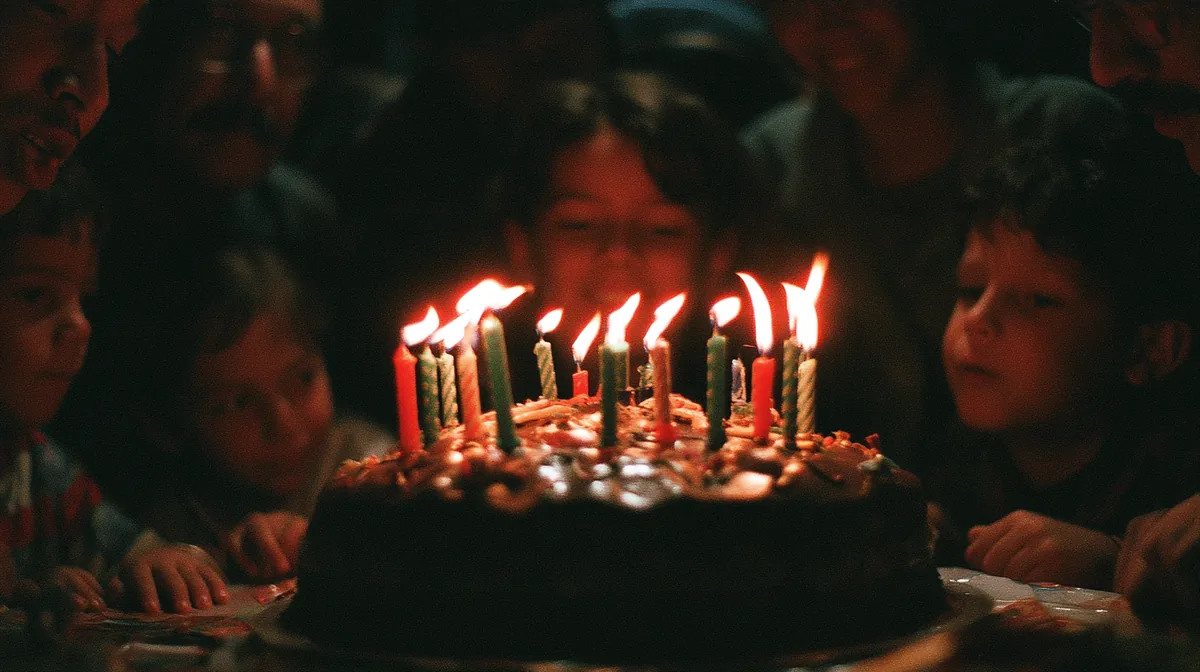
A wedding, the kids, the mountains. iPhone 15 Pro and newer writes two views into one file — OnKino reads it straight out of Photos. The depth is real, and you shot it.

Works with XREAL One · One Pro
Download on the App Store
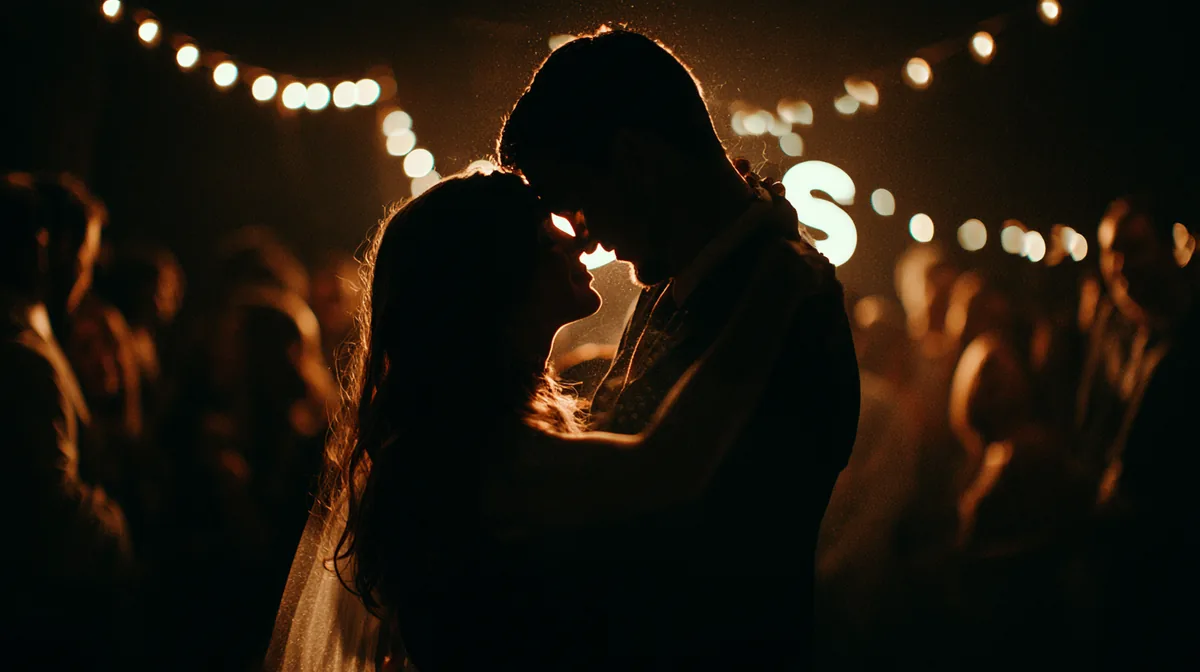
A couple laughing under the lights at a wedding
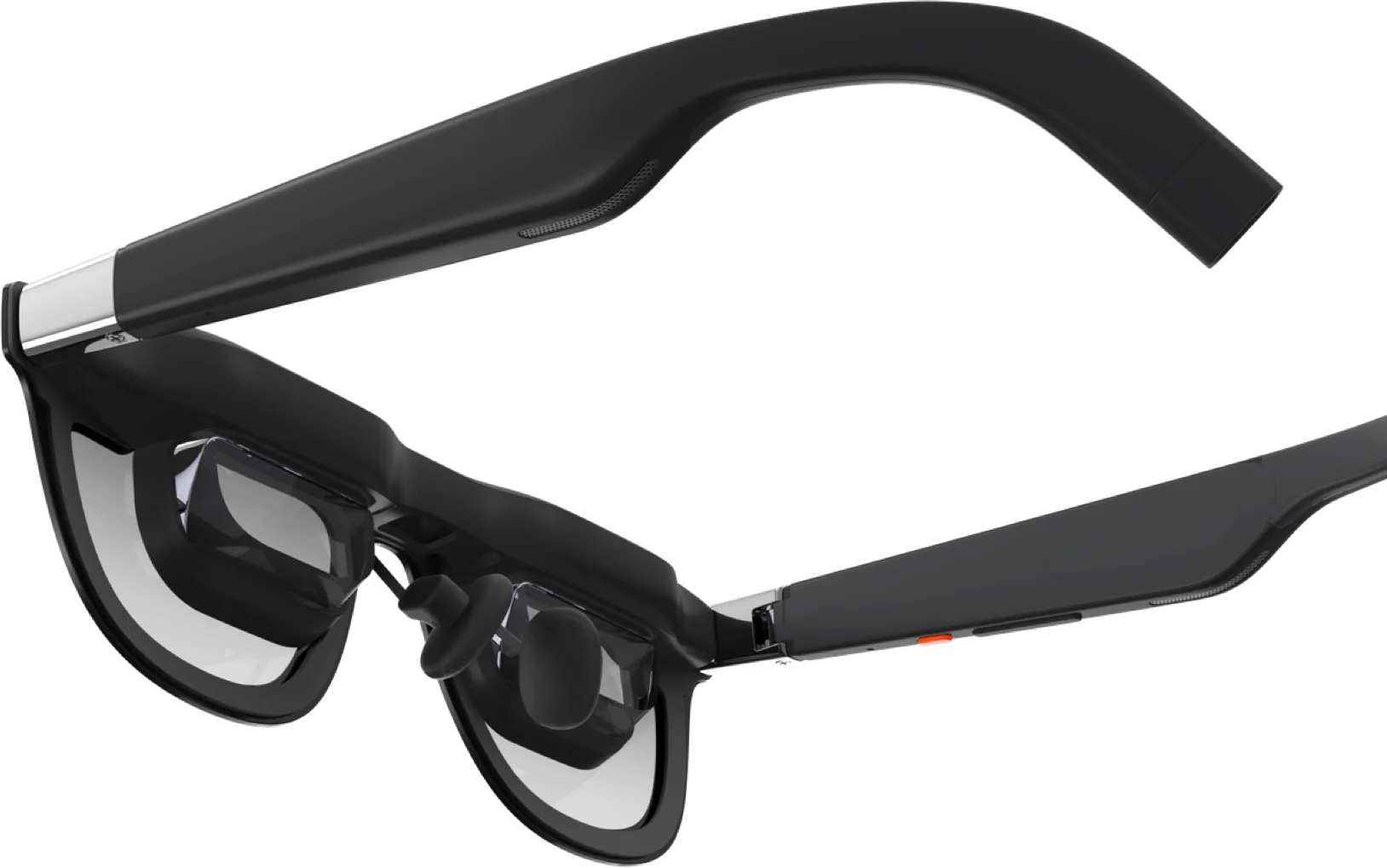
XREAL One Pro glasses
A wedding, July · shot on iPhone
Watching your own video

Your own video on a big screen

3DHD
Two people walking a mountain ridge at sunset
SubtitlesScenesDepth of the pictureCovers

Video shot on your phone or your camera. The files stay where you put them, and the app remembers the second you left off on.

Console games

A screen for the gamepad

The console or the cloud sends its picture to the glasses. OnKino stays the remote: brightness, tint and the screen mode, without taking the glasses off or leaving the game.

Evening · gamepad · a dark room
  • Brightness
  • Tint
  • Spatial Screen
  • Bring the screen back
Work no one notices

The monitor no one can see

The screen hangs where you left it, or follows your head. Dimming hides the room, and the screen comes back in front of you in one tap.
  • Anchor
  • Follow
  • Wide
  • Dimming
A Mac desktop on the glasses' screen
A night train · the lamp above the seat
Stereo mode

One tap — and the glasses are in 3D

OnKino puts the glasses into 3D itself — no other iPhone app does that. No feeling around for the button on the temple.

The format is read for you

Half SBS, Full SBS, Over-Under, or ready-made spatial. The player sets the mode when you turn 3D on in a video.

Wide screen for the length of the video

The glasses carry 3840 pixels only in wide mode: there each eye gets its full 1920. The previous mode comes back when the video ends.

Shot on your own iPhone

Spatial video out of Photos, in real depth. The depth of the picture moves on a slider, to suit your own eyes.

A tunnel of glowing screens — a stereo frame
Glasses

The control panel — on the phone

Brightness, tint, scenes and fine tuning, from the screen already in your hand. The app shows what took effect, not what it sent.

  • Brightness
  • Tint
  • Scenes
  • Anchor · Follow · Wide
  • Bring the screen back

The glasses' service protocol is published nowhere: the commands were taken out of the firmware and checked on live glasses, one at a time. After that it is an ordinary socket over the cable. No private APIs, no MFi, no jailbreak.
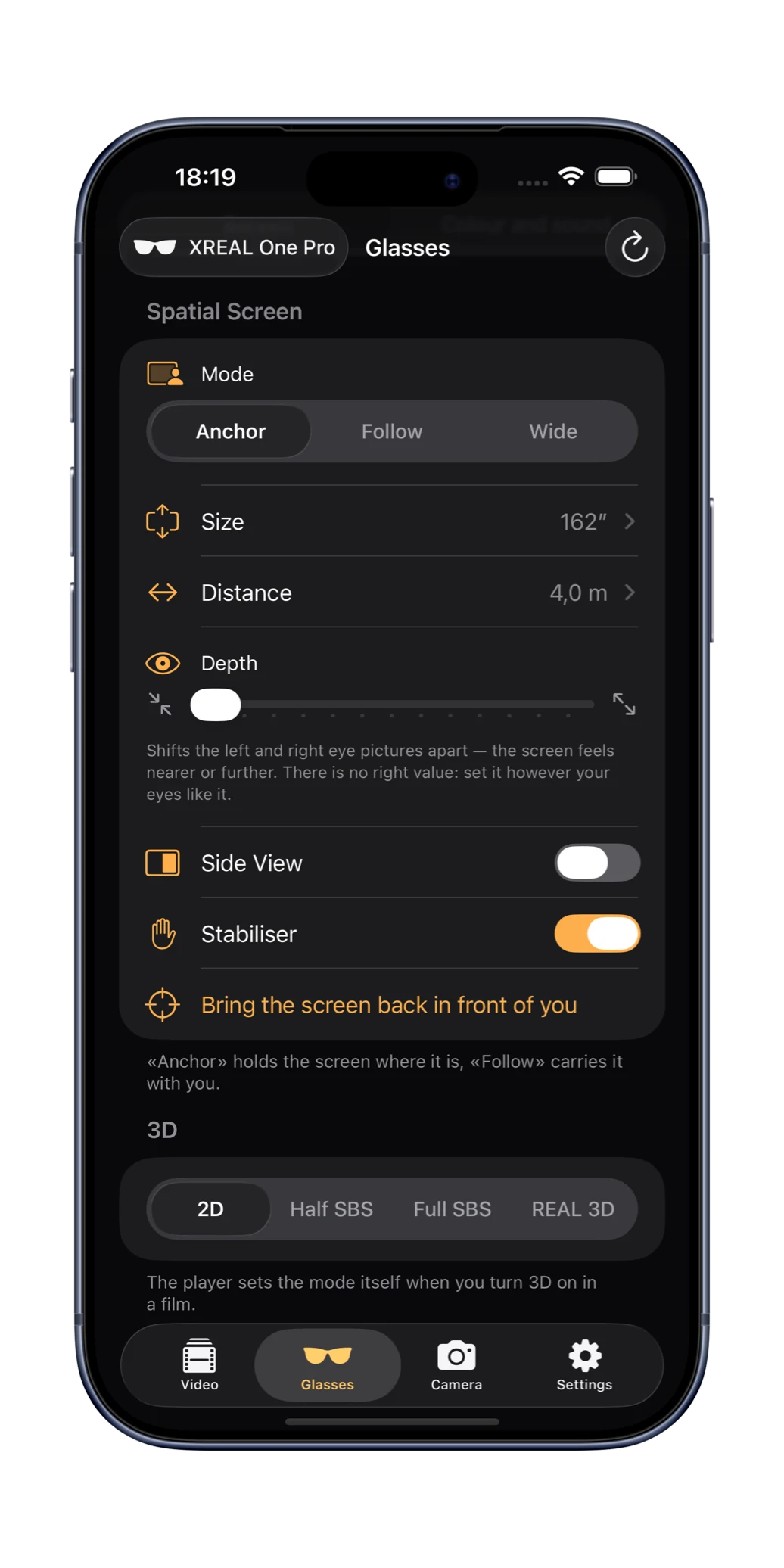
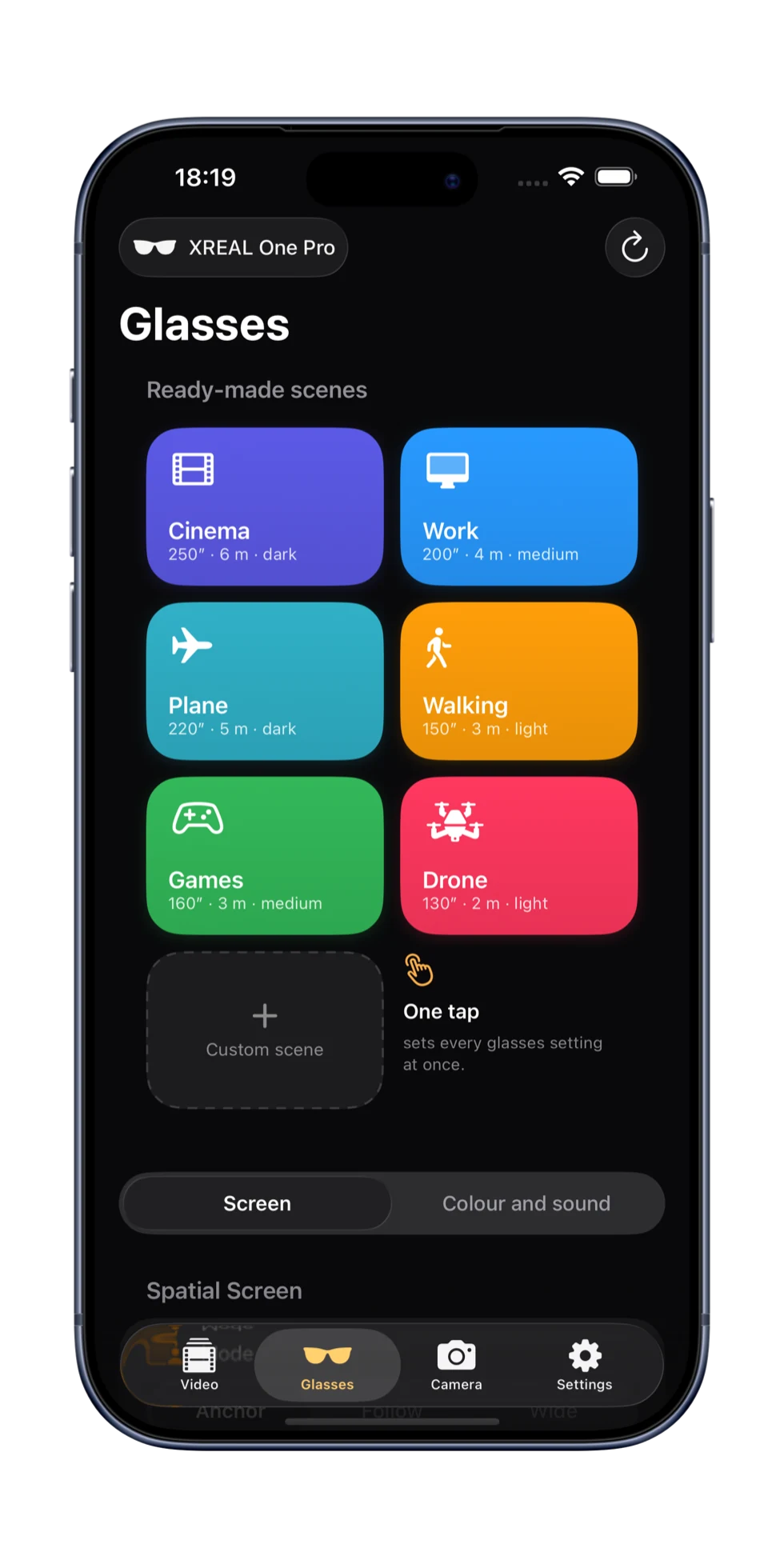
The Glasses tab: spatial screen, size, distance, depth, the 3D switch Ready-made scenes: Cinema, Work, Plane, Walking, Games, Drone
The Glasses tab
Price

A subscription opens the convenience

The player and the glasses work without money and without ads. What is paid for is the thing the app was built for.

Free

No charge · no time limit · no ads
  • A library of your own video, with covers and titles
  • Subtitles
  • A flat picture on the glasses
  • Where you stopped is remembered

OnKino Pro

by subscription, or once and for good
  • Putting the glasses into 3D from the phone
  • Spatial video out of Photos
  • Sources by link and by network folder
  • Scenes — all but the first
  • Fine tuning of the screen, and bringing it back in front of you
  • The XREAL Eye camera
WeekMonthYear7 days freeFor good, in one payment

The price for your country is shown by the App Store: it depends on the account's region and its taxes.
Questions

Short and without promises

Which glasses are supported?
XREAL One and One Pro. Glasses of other makes are not: their protocol is a different one.
Which iPhone does it need?
One with a USB-C port and iOS 18 — iPhone 15 and newer. Spatial video is shot by iPhone 15 Pro and newer.
How does the app control the glasses?
Over the cable, with an ordinary socket. The commands were taken out of the firmware and checked on live glasses. No private APIs, no jailbreak.
Will MKV open?
No. iPhone opens MP4 and MOV; MKV is repacked on a computer, without losing quality.
What about Netflix and the rest?
No. OnKino plays only what is already yours: files, links, folders, Photos.
Is the internet needed?
No. Only for covers, and only if you ask for them.
Will the glasses fall asleep mid-video?
No: while the video runs the app keeps them awake, and puts the previous mode back once it has ended.

Plug in the cable. The rest you have already shot.

Download on the App Store
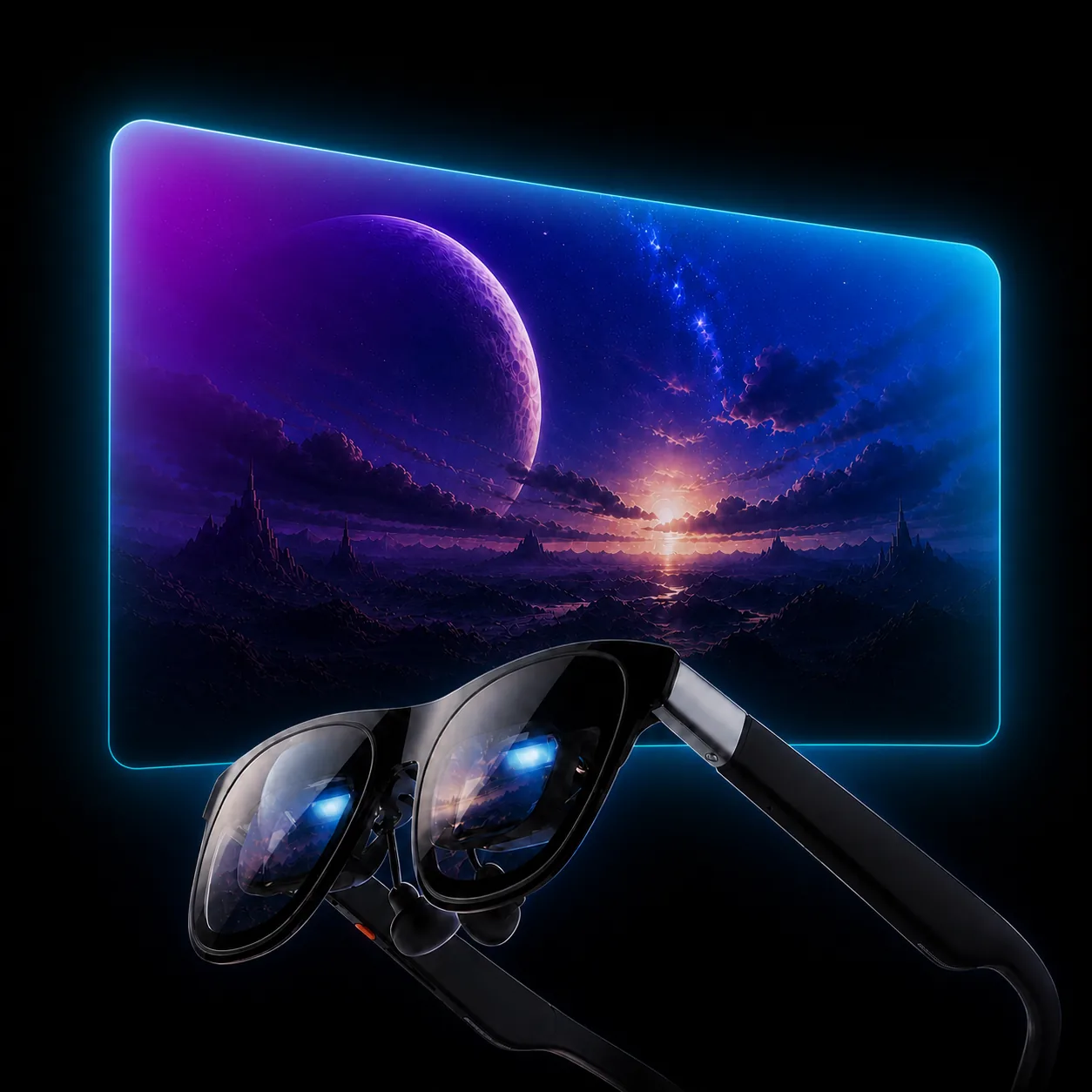
XREAL glasses in front of a glowing screen with a planet